
Deep Face Cam vs FaceFusion: desktop app or broader platform?
Deep Face Cam keeps the workflow narrow and desktop-focused. FaceFusion offers a broader face manipulation toolkit. The right choice depends on how much control, setup, and product polish the job requires.
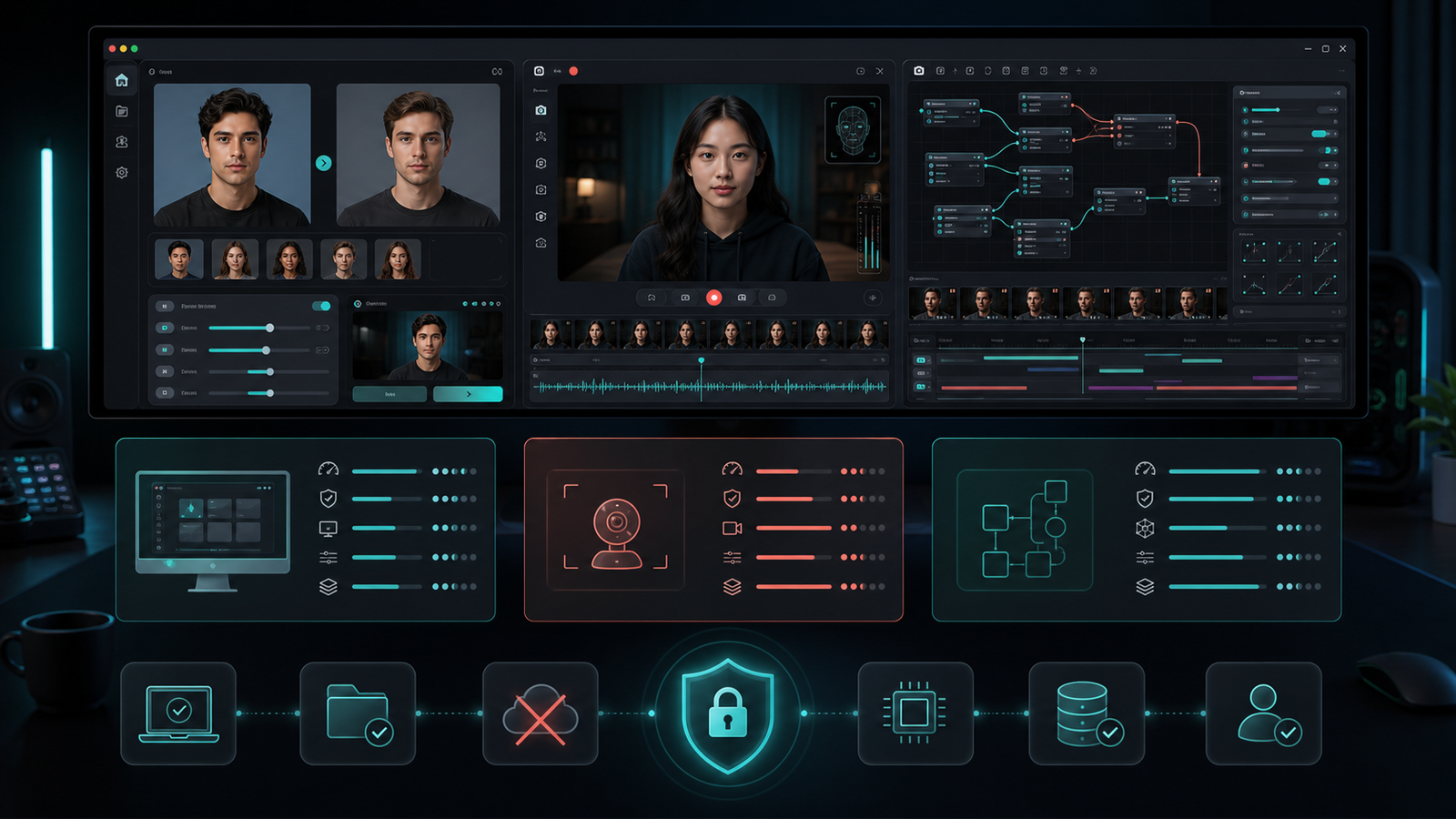
Deep Face Cam and FaceFusion solve related problems, but they are shaped for different working styles. Deep Face Cam is a local desktop app for image, video, and live camera face swaps. FaceFusion is a broader face manipulation platform with a larger surface area and a more toolkit-oriented feel.
Short version
Choose Deep Face Cam for a focused desktop face swap workflow. Choose FaceFusion when the project needs a wider face processing toolkit and the team is comfortable managing a larger set of options.
Comparison table
| Category | Deep Face Cam | FaceFusion |
|---|---|---|
| Product shape | Desktop face swap app for local media workflows. | Face manipulation platform with a broader feature set. |
| Best fit | Repeatable image, video, and live camera swaps on macOS and Windows. | Advanced projects that need more processing options and configurability. |
| Setup mindset | Reduce packaging friction with a clear desktop app path. | Spend more time understanding installation, options, and runtime choices. |
| Learning curve | Narrower workflow, easier handoff. | More flexible, more decisions. |
| Positioning | Local face swap workflow. | General face processing toolkit. |
When Deep Face Cam is the better fit
Deep Face Cam is stronger when the task is specific: take source media, choose target media, preview locally, adjust the result, and export. A narrower surface area helps when the workflow must be shown to another person, repeated across several clips, or explained in a product review.
The desktop app direction also matters for teams that do not want every operator to maintain a custom Python environment. The source remains public, while supporter builds can reduce time spent on packaging and operating-system differences.
When FaceFusion is the better fit
FaceFusion is the better direction when the project needs a larger toolbox. Its documentation and project structure support a broader set of face processing tasks. That flexibility is useful when the team wants to explore more than one output style or build a custom pipeline around the tool.
The tradeoff is complexity. More options mean more setup choices, more configuration, and more room for environment-specific issues. That is acceptable for technical projects, but unnecessary for many desktop face swap jobs.
Workflow checklist
- Pick Deep Face Cam when the job needs a visible desktop workflow and fast handoff.
- Pick FaceFusion when the job needs a broader toolkit and deeper configuration.
- Check model storage, output folders, and temporary files before using private media.
- Use consent-safe source and target media for demos, tests, and public examples.
FAQ
Is FaceFusion more powerful than Deep Face Cam?
It is broader. Power depends on the task. FaceFusion covers more face manipulation territory, while Deep Face Cam concentrates on a desktop face swap workflow.
Is Deep Face Cam easier to hand to a non-technical operator?
Yes. That is the main product advantage: fewer decisions, clearer local workflow, and a desktop app shape around common media tasks.
Can both tools be used locally?
Both are open-source local tool directions. Always review installation steps, model downloads, and runtime behavior before using sensitive media.
Start with the focused desktop workflow
Use Deep Face Cam when the job is image, video, or live camera face swapping with local review.
Related guides
Whichever tool you land on, the same three decisions drive the output quality:
- How to face swap a video locally on PC or Mac — the end-to-end desktop workflow
- How to swap multiple faces in a video locally — mapping each person to their own source
- GFPGAN vs GPEN: which face enhancer should you use? — face restoration after the swap
- Real-time face swap on a local PC — the live camera path
- Local face swap software for PC and Mac — the wider tool comparison