
Local face swap software for PC and Mac: what to compare in 2026
A local app can keep source videos off a third-party upload queue, but “local,” “offline,” “open source,” and “easy to install” are not the same promise. This guide separates them.
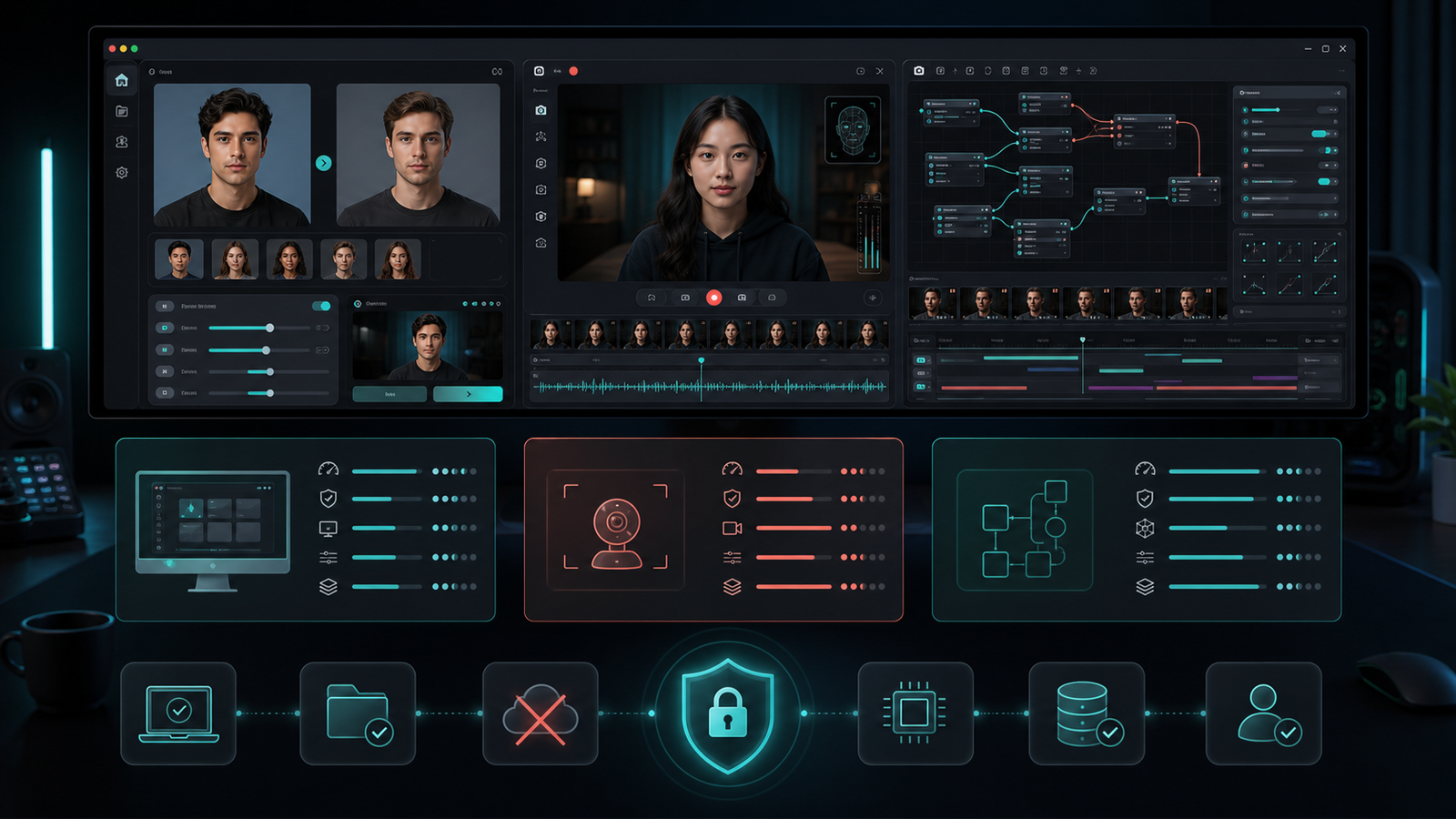
The first difficult choice is usually not the face model. It is the product shape. A browser tool asks you to upload media. A local face swap app processes frames on your computer. A training package gives you deeper control but turns the job into a longer technical project. A live-first tool is optimized for a webcam rather than a finished video.
Start with the workflow you need to repeat. Then compare privacy boundaries, operating-system support, model downloads, hardware acceleration, preview controls, and the amount of installation work your team can maintain.
Quick recommendation
Choose a focused desktop app for repeatable image, video, and camera swaps. Choose a live-first app for streams and calls. Choose a training-oriented open-source package only when custom model work justifies the additional setup and iteration time.
Local does not always mean fully offline
“Local processing” should mean that the source image, target video, camera frames, and rendered output are handled on your machine during the core workflow. It does not automatically mean the app never uses the network. A local tool may download model files on first run, open documentation, retrieve an installer, or check an update channel.
Before using private media, test the exact build you plan to use. Locate the model cache, output folder, temporary files, logs, and update settings. Deep Face Cam makes model downloads explicit and keeps the core media workflow local; its privacy page documents where network access can occur.
Seven criteria for comparing face swap software
- Media mode: photo, video, live camera, or all three.
- Product shape: desktop app, terminal toolkit, browser editor, or training pipeline.
- Privacy boundary: what stays local and what requires a network connection.
- Platform support: Windows, macOS, Linux, Apple silicon, and GPU backends.
- Setup cost: ready-to-run installer versus Python, drivers, models, and environment management.
- Review controls: preview, alignment, blending, enhancement, and representative-frame checks.
- Governance: source visibility, license, consent rules, disclosure, and maintenance status.
Local face swap software comparison
| Tool | Best fit | Desktop / platform notes | Setup profile |
|---|---|---|---|
| Deep Face Cam | Focused local image, video, and live camera workflow. | macOS 12+ and Windows 10/11; open-source Tauri and Python stack. | Public source plus supporter installers; model downloads require confirmation. |
| FaceFusion | Broader face manipulation and batch or headless jobs. | Official docs expose run, headless, batch, and job commands plus Windows and macOS installer paths. | Source installation is documented as technical; installers shorten the path. |
| Swapface | Real-time streams plus image and video face swaps. | Official downloads list Windows and Mac for Apple silicon. | Desktop-first, with a comparatively high recommended hardware profile. |
| Faceswap | Training-oriented open-source deepfake work. | Windows, macOS, and Linux; extraction, training, and conversion are separate stages. | More technical control and a longer learning path. |
| Deep Live Cam | Real-time camera swaps and one-click video workflows. | Open-source Python project with CPU, GPU, and platform-specific setup notes. | Manual installation requires technical skills; prebuilt options are offered separately. |
These products overlap, but they are not interchangeable. If you need a broader breakdown, read our Deep Face Cam vs FaceFusion and Deep Face Cam vs Deep Live Cam comparisons.
What PC and Mac users should check
Windows
Confirm whether the build targets CPU, DirectML, CUDA, or another acceleration path. A label such as “Windows supported” does not guarantee that every GPU path is packaged the same way. Check driver requirements, installer signing, model size, and available disk space before importing a long video.
macOS
Check whether the app supports Apple silicon, Intel, or both. Also verify minimum macOS version, signing and notarization status, model conversion behavior, and whether the backend is bundled or expects a separate Python environment.
Choose by workflow, not by feature count
- Short product video: prioritize fast preview, representative-frame review, and predictable export.
- Live stream or video call: prioritize latency, camera routing, mouth and mask behavior, and recovery when tracking fails.
- Custom model research: prioritize training controls, datasets, reproducibility, and hardware monitoring.
- Team handoff: prioritize installers, clear storage paths, a narrow interface, and documented privacy behavior.
Privacy and responsible-use checklist
- Use only your own media or material with clear permission from identifiable people.
- Record where models, previews, temporary frames, logs, and exports are stored.
- Do not assume “offline” until you test first-run and update behavior.
- Keep originals separate from generated output and label altered media when shared.
- Never use face swap software for impersonation, fraud, identity checks, harassment, or non-consensual intimate imagery.
FAQ
What is the best face swap software for PC?
For repeatable photo and video work, start with a focused desktop app. For streaming, use a live-first tool. For custom training and research, use a package built around extraction, training, and conversion. “Best” depends on the workflow and the amount of technical maintenance you accept.
Can face swap software run fully offline?
Core processing can run locally, but initial model downloads, installer retrieval, links, or updates may need a connection. Verify the exact build rather than relying on a broad marketing label.
Is open-source face swap software automatically safer?
Public source improves auditability, but it does not replace safe defaults, responsible operators, secure packaging, or a review of model and network behavior.
Try the focused local desktop workflow
Use Deep Face Cam for image, video, and live camera swaps with local preview and explicit model downloads.