
Deep Face Cam vs DeepFaceLive: live-only focus or desktop workflow?
DeepFaceLive centers on realtime swapping. Deep Face Cam keeps live camera support inside a wider local desktop workflow for images, videos, previews, and exports.
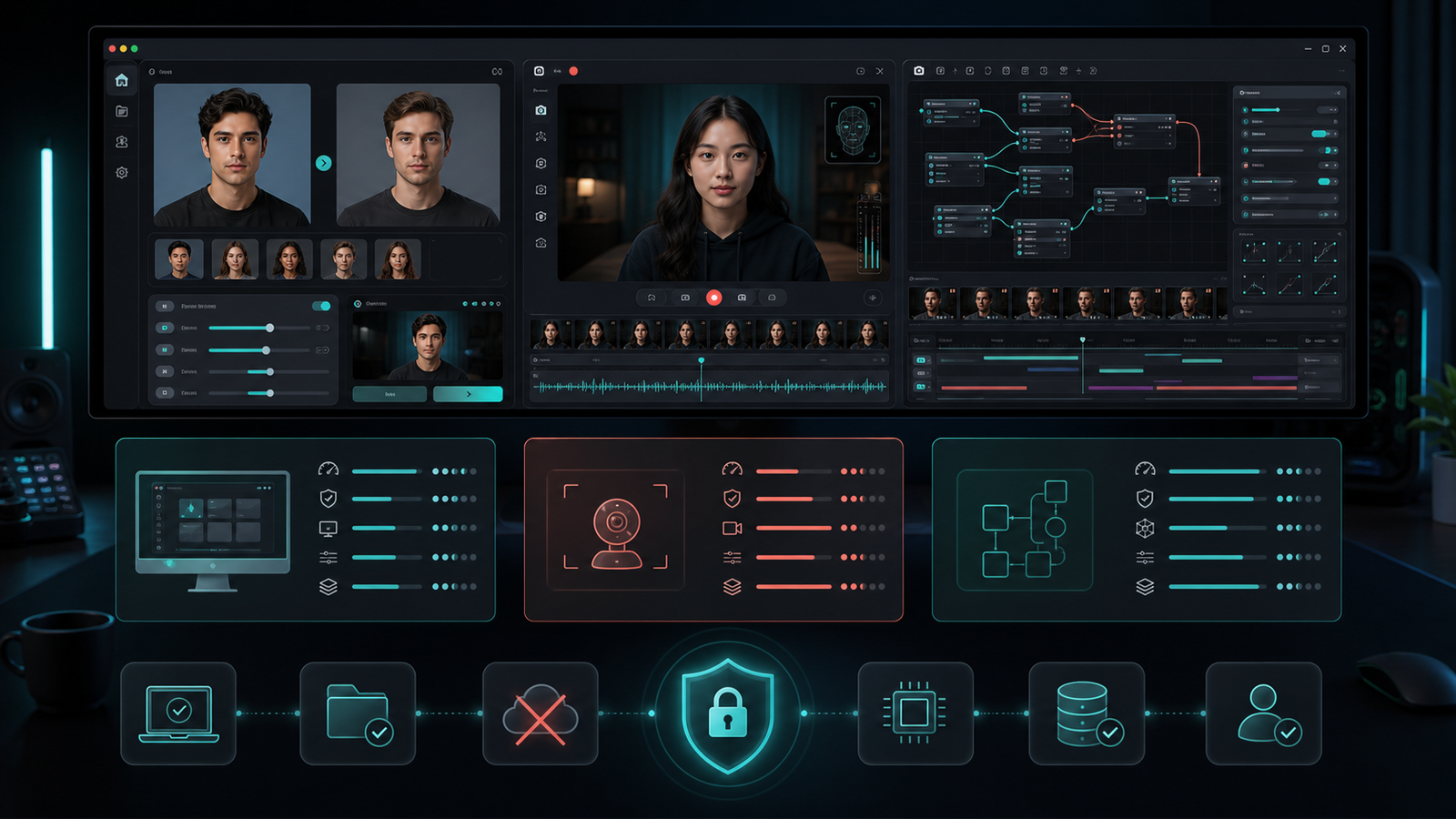
DeepFaceLive is strongly associated with realtime face swap workflows. Deep Face Cam also includes live camera direction, but it does not stop there: the same product surface also supports local image and video work.
Short version
Choose DeepFaceLive for a realtime-focused project. Choose Deep Face Cam when live camera support should sit next to image and video workflows in one desktop app.
Comparison table
| Category | Deep Face Cam | DeepFaceLive |
|---|---|---|
| Core workflow | Local desktop app for image, video, and live camera swaps. | Realtime face swap workflow. |
| Output scope | Preview, render, export, and live mode. | Live camera and streaming-oriented use. |
| Setup | Product direction favors packaged desktop operation. | Project setup requires more technical ownership. |
| Maintenance | Active product packaging direction. | The official GitHub repository is archived. |
| Best fit | Mixed media workflows and repeatable local review. | Realtime experiments and live pipeline study. |
When Deep Face Cam is the better fit
Deep Face Cam is better when live camera swapping is only one part of the job. A creator may need a still image test, a short video export, and a live camera preview during the same session. Keeping those tasks in one desktop surface reduces context switching.
The app shape also helps with review. Before a live use case, a still image or video preview can expose alignment, lighting, and blend issues in a calmer environment.
When DeepFaceLive is the better fit
DeepFaceLive is better when the job is specifically realtime. Its value is concentrated around live face swap scenarios, and the project remains useful for studying that workflow.
The archived status of the official repository should be considered before building a long-term workflow around it. For one-off research, that may be fine. For ongoing product use, maintenance matters.
Live workflow checklist
- Test lighting and head movement before using any live camera workflow.
- Confirm whether the tool supports the media types needed before and after live mode.
- Keep consent and labeling clear when output leaves a private test environment.
- Choose an actively maintained path when the workflow will be used repeatedly.
FAQ
Is DeepFaceLive only for live use?
Its identity is strongly tied to realtime workflows. Deep Face Cam is broader because it also covers local image and video tasks.
Can Deep Face Cam handle live camera workflows?
Yes. Live camera support is part of the product direction, alongside file-based workflows.
Does archived status matter?
It matters for long-term maintenance, dependency changes, and support expectations.
Keep live mode connected to the rest of the workflow
Deep Face Cam is built for local review before output moves to video export or live camera use.
Related guides
Live-first tooling is only half the question. These guides cover what actually limits a real-time result on your own machine:
- Real-time face swap on a local PC — capture, execution providers, FPS, and privacy
- GFPGAN vs GPEN: which face enhancer should you use? — why live enhancement needs CUDA or DirectML
- How to swap multiple faces in a video locally — why live multi-person matching is less stable
- How to face swap a video locally on PC or Mac — the file workflow
- Responsible use — consent, labeling, and prohibited uses