
Deep Face Cam vs DeepFaceLab: desktop swap or lab workflow?
DeepFaceLab is a classic advanced workflow for deepfake creation. Deep Face Cam is built for local desktop swapping with less setup and a clearer media path.
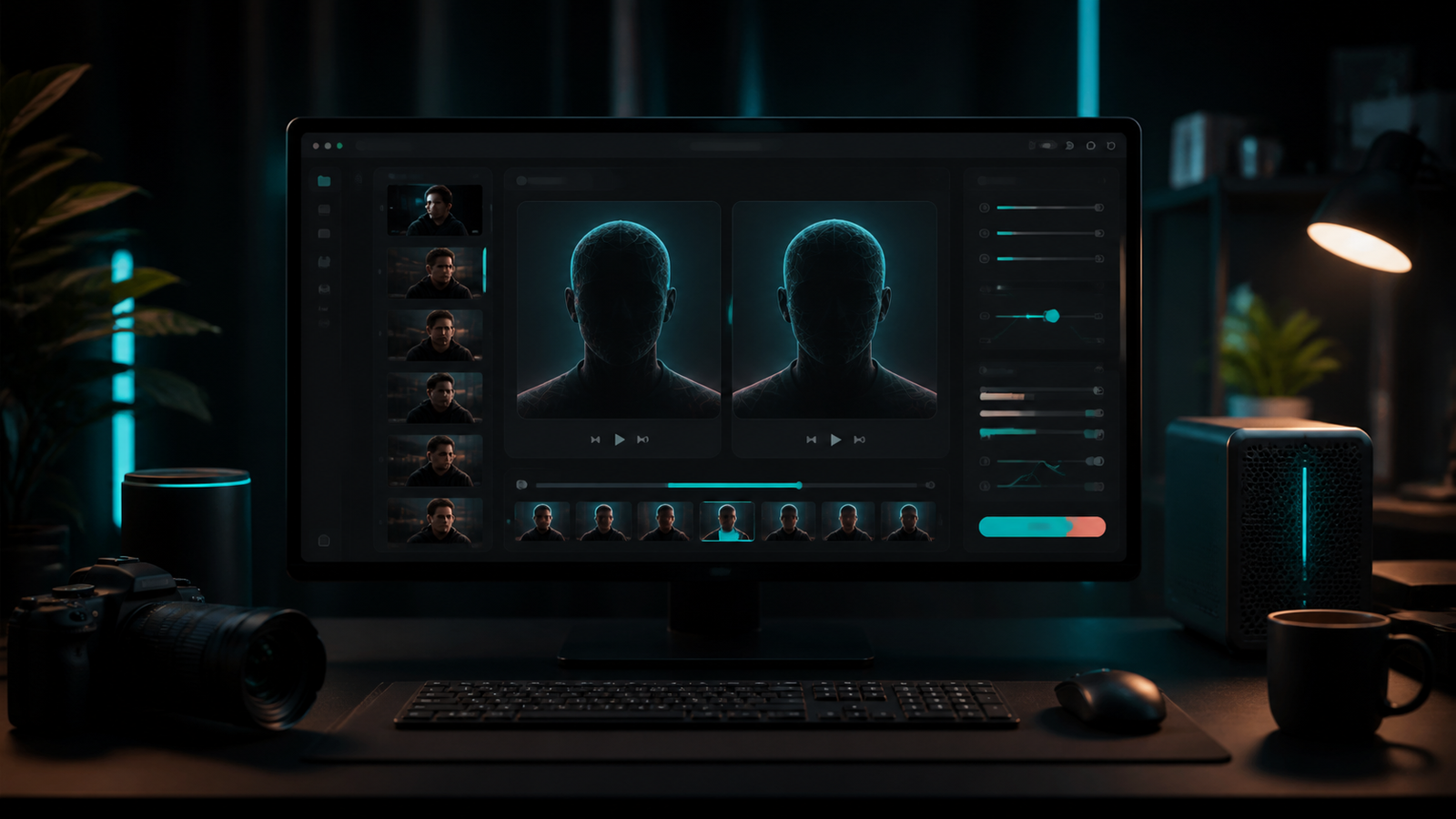
DeepFaceLab earned its reputation through advanced model training and deepfake production workflows. Deep Face Cam aims at a different job: running a local desktop face swap workflow without turning every project into a lab setup.
Short version
Choose Deep Face Cam for quick local swaps, previews, and a desktop workflow. Choose DeepFaceLab for advanced training-heavy projects where custom model control matters more than speed of setup.
Comparison table
| Category | Deep Face Cam | DeepFaceLab |
|---|---|---|
| Core workflow | Desktop app for local image, video, and live camera swaps. | Advanced lab-style workflow for dataset preparation, training, and compositing. |
| Setup effort | Designed to reduce setup friction. | Requires patience with dependencies, data preparation, and training choices. |
| Control | Focused controls for common swaps. | Deeper control over model training and production details. |
| Maintenance | Product direction centers on packaged desktop use. | The official GitHub repository is archived. |
| Best fit | Creator demos, local review, short clips, internal testing. | Research, advanced experiments, and custom deepfake production pipelines. |
When Deep Face Cam is the better fit
Deep Face Cam fits work that needs a result without building a full training pipeline. The app-style flow keeps attention on source media, target media, preview, tuning, and export. That is enough for many product demos, internal tests, and content experiments.
The local desktop approach also makes review easier. Output can be checked before sharing, media stays on the machine by design, and model downloads are easier to explain when the product asks for confirmation.
When DeepFaceLab is the better fit
DeepFaceLab fits a deeper production process. Dataset preparation, training, conversion, cleanup, and compositing can deliver control that a simpler desktop workflow will not expose. That control is useful when the project is technical, experimental, or built around custom training.
The cost is time. A lab workflow requires more planning, more storage, more hardware awareness, and more patience with intermediate results. It should be chosen deliberately, not by default.
Decision checklist
- Pick Deep Face Cam when install speed and repeatability matter.
- Pick DeepFaceLab when model training control is the main requirement.
- Avoid lab workflows for simple preview clips unless the extra control is necessary.
- Keep consent, labeling, and source-media rights clear before any public output.
FAQ
Is DeepFaceLab still useful?
Yes, for advanced workflows and historical compatibility. The archived repository status matters for long-term planning.
Is Deep Face Cam a DeepFaceLab replacement?
Not for training-heavy projects. It is a better fit for desktop swaps where setup time and workflow clarity matter.
Which tool is easier to explain to a teammate?
Deep Face Cam is easier because it presents a narrower desktop workflow.
Use the desktop path when the job does not need a lab
Deep Face Cam keeps local face swapping closer to a normal desktop media workflow.
Related guides
If you have already decided on a desktop workflow, these guides cover the parts that usually decide whether the result is usable:
- How to face swap a video locally on PC or Mac — the end-to-end desktop workflow
- How to swap multiple faces in a video locally — per-person mapping without training a model
- GFPGAN vs GPEN: which face enhancer should you use? — restoring detail after a 128px swap
- Local face swap software for PC and Mac — the wider tool comparison
- Responsible use — consent, labeling, and prohibited uses